Beta

Comparison

Kinomo vs Remotion

Remotion is for React developers who build videos, or video products, in code. Kinomo is for teams on a Mac who want an agent to build the animation while they plan, cut and review it in an app, with no React project to maintain.

Download for Mac

0.6.0-beta.7 · 14 MB · macOS 14 or later · Apple silicon

Facts about Remotion last checked on November 8, 2026 · Sources

Why choose Kinomo over Remotion

With Remotion, a video is a React codebase. With Kinomo, it is a project you open, watch and edit, and your agent does the building.

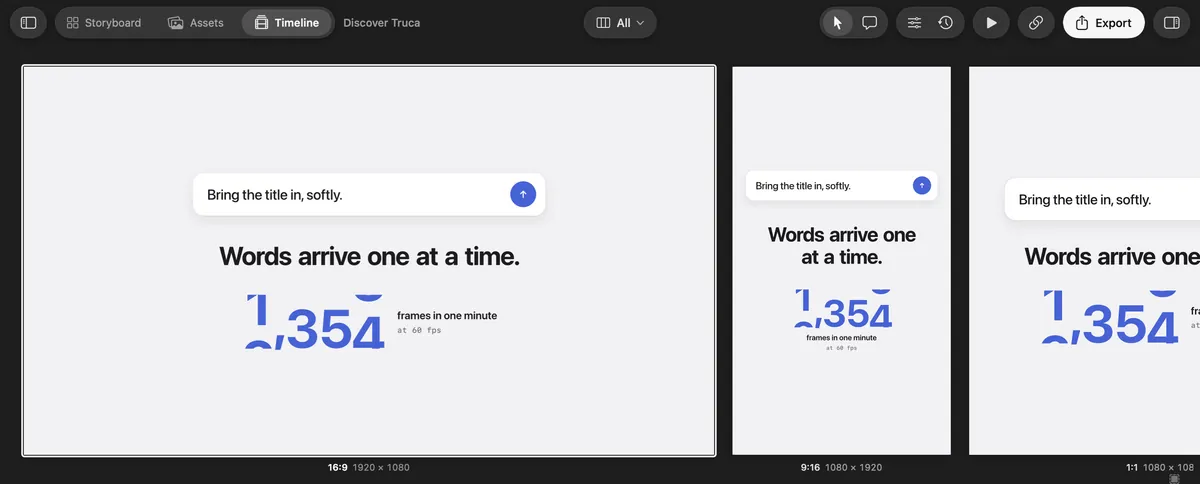
Kinomo’s All formats view: the 16:9, 9:16 and 1:1 versions of a scene side by side

All your formats in one view

In Remotion, each format is its own composition with its own width and height. In Kinomo, the 16:9, 9:16 and 1:1 versions belong to the same scene: the All formats view shows them side by side at their real resolutions and plays them together, so one change can update every format.

Kinomo’s Connect an agent screen: Claude Code is connected

No React project to maintain

Your agent connects to Kinomo over MCP and builds HTML and CSS scenes directly in the project. There are no components, build step or dependencies to keep up to date, and every change is checked by the engine before it is saved.

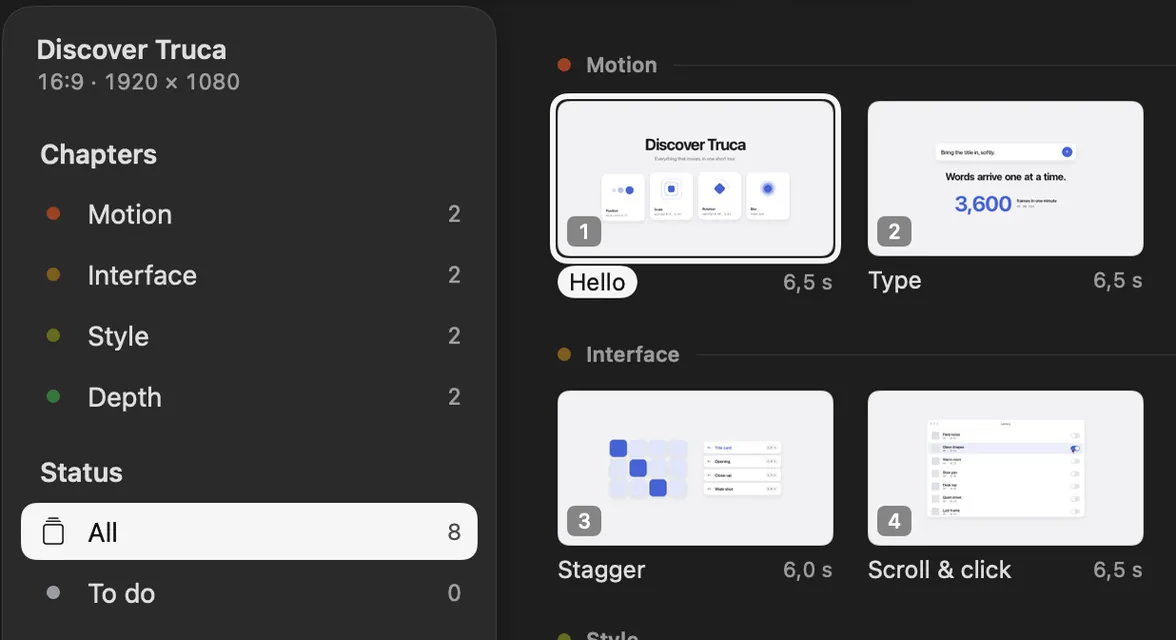
The Kinomo Storyboard, with scenes grouped by chapter

Direct the video, not the code

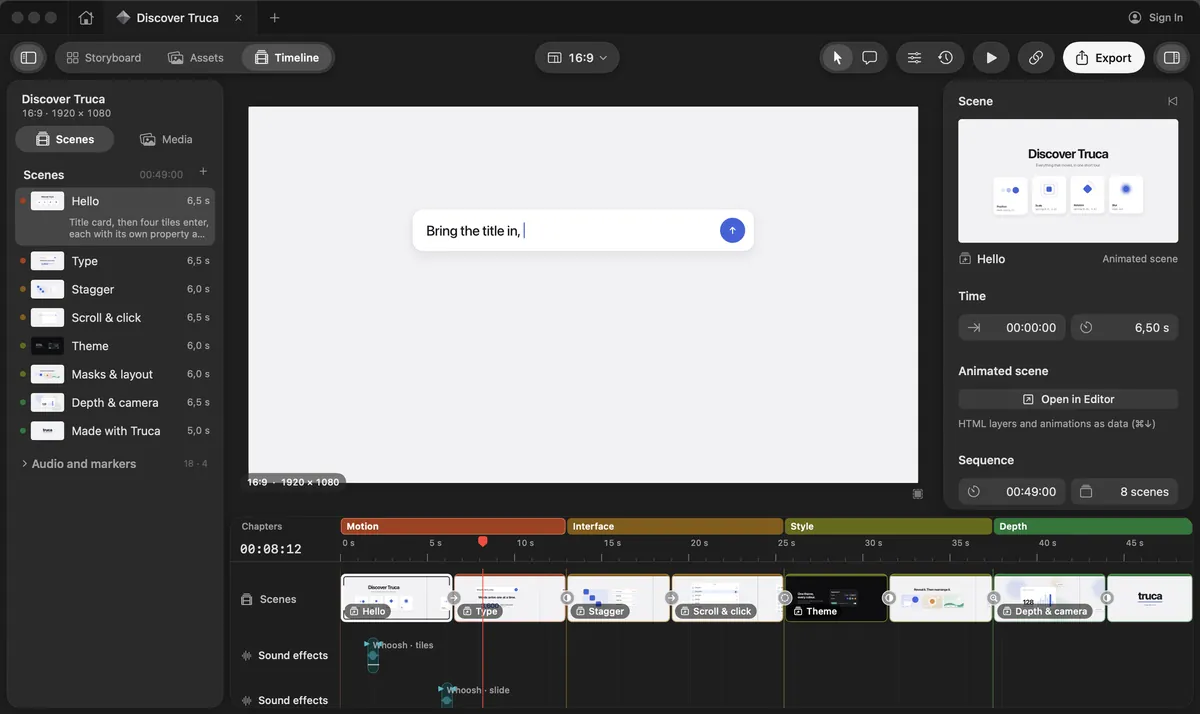
Lay out scenes in the Storyboard, then cut them on a timeline with chapters, music and sound effects. Anyone on the team can retime an animation by hand in the scene editor, without opening a code editor.

Client review built in

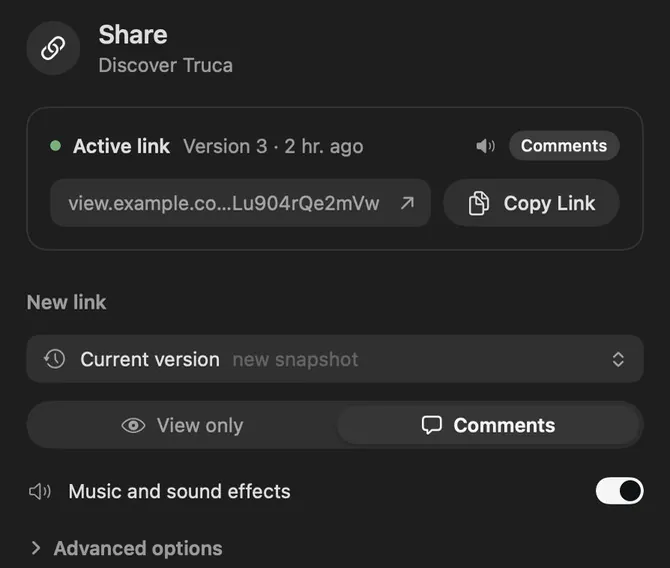
Send a private link with an optional password and expiry. Clients watch in their browser and pin comments on the frame; the comments come back into the project, where your agent can pick them up.

Kinomo and Remotion, side by side

Where Kinomo stands out

Kinomo and Remotion compared
CriterionKinomoRemotion
Formats while you editKinomo stands out: Every format of a scene side by side (16:9, 9:16, 1:1, 4:5…), each at its own resolution, playing together on one timeline; edit them all at once or one at a timeEach format is a separate composition with its own width and height; no side-by-side view documented in Remotion Studio
What it isNative Mac app for macOS 14 or later on Apple siliconNode.js and React library, with Remotion Studio to preview, edit and render in the browser
How videos are madeKinomo stands out: Your agent builds HTML and CSS scenes over MCP; animations are data, edited in the app or by the agentReact components and TypeScript code; official Agent Skills help Claude Code, Codex or Cursor write it
AI agentsKinomo stands out: MCP server with 52 tools that act on the project open in the app on your Mac, with every change visible live13 official Agent Skills, including /remotion-docs for the documentation; the hosted docs MCP server was shut down on October 26, 2026 in favour of these skills
Editing by handKinomo stands out: Storyboard, scene editor and a timeline with chapters, music and sound effectsMostly in code; Remotion Studio previews, edits and renders compositions in the browser
Client reviewKinomo stands out: Private links with comments, password and expiry; comments return to the projectNo review links or client comments documented; you share the rendered file
ExportH.264, HEVC, ProRes 422 and 4444, up to 4K, on your MacH.264, H.265, VP8, VP9, AV1, ProRes and GIF; rendered locally, on AWS Lambda or on Cloud Run
License and priceKinomo stands out: Free during the betaFree for individuals and companies of up to 3 people. Company License: $25 per seat per month, or $0.01 per render with a $100 monthly minimum; Enterprise from $500 a month

When Remotion is the better fit

Remotion is a mature, widely used library. It is the better choice in these cases.

  • You generate videos at scale. Its render API and AWS Lambda support are built for producing many personalised videos from data.

  • Your team lives in React. Videos are components, so they fit your design system, your npm packages and your code review.

  • You are building a video product. Remotion powers editors and apps that other people use, with a Player you can embed.

  • You are not on a Mac. Remotion runs wherever Node.js runs; Kinomo needs macOS on Apple silicon.

Want the video without the codebase? Try Kinomo.

Download the beta, connect the agent you already use and ask it to storyboard your next video.

Download for Mac

0.6.0-beta.7 · 14 MB · macOS 14 or later · Apple silicon

The Kinomo timeline, with the sample project Discover Kinomo

Questions

Is Kinomo a Remotion alternative?

For people who make animated videos rather than video software, yes. Your agent builds the scenes in HTML and CSS through MCP, and you edit them in a Mac app instead of a React codebase.

Do I need to know React to use Kinomo?

No. Scenes are HTML and CSS built by your agent, and you adjust them in the Storyboard, the scene editor and the timeline.

Can Kinomo render thousands of personalised videos?

That is not what Kinomo is built for. For batch rendering from data, a library like Remotion with a cloud renderer is the better tool.

How much does Kinomo cost?

Kinomo is free during the beta.

Sources

Last checked on November 8, 2026

Remotion is a trademark of Remotion AG. This page compares public information and is not endorsed by Remotion. Spotted something out of date? Tell us and we’ll fix it.